Printify Artwork Handoff
Prepare high-resolution artwork and send separate editable images to your connected Printify account.
3-Day Trial, then $17/monthStart Your 3-Day TrialUpload your artwork, prepare each design, and simplify sending it to your connected Printify account. High-resolution downloads and background removal remain available when you need them.
Printify is completely optional. Your high-resolution artwork is always yours to download.
3-Day Trial with $0 due today, then $17/month unless canceled before billing begins. High Resolution downloads, Saved Artwork, and Printify Quick Handoff are included.
▶ Watch the 30-sec demo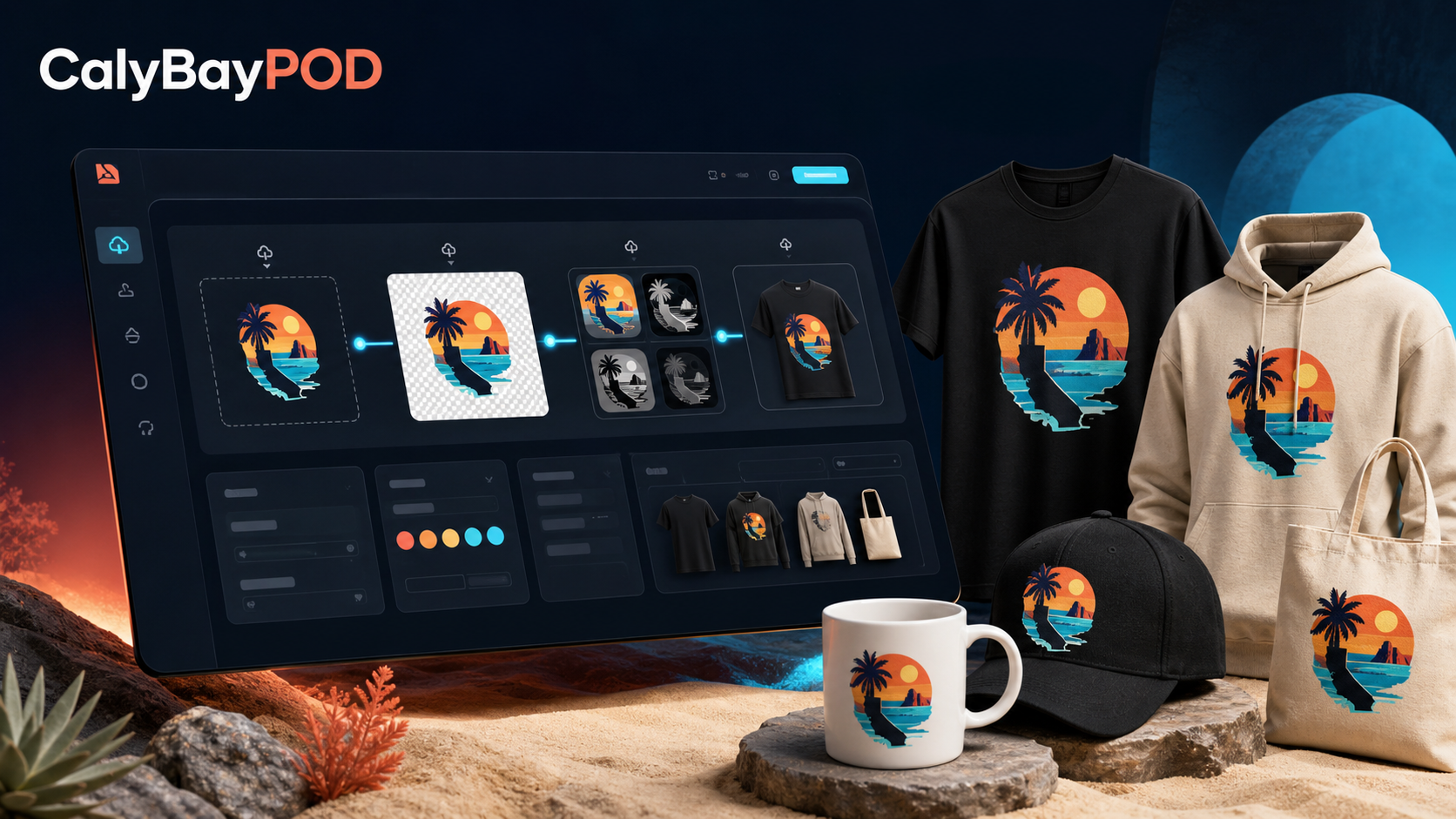
Printify Artwork Handoff is available now. Website Studio and Professional Business Services remain closed private pilots until their authorization, safety, and billing workflows are approved.
Prepare high-resolution artwork and send separate editable images to your connected Printify account.
3-Day Trial, then $17/monthStart Your 3-Day TrialManaged website redesign previews for one approved organization. The pilot is complimentary and is not accepting public requests.
Free during approved pilotNo public signup, download, request, or publishing access.Planned professional help to build, fix, redesign, and improve business websites.
Approved provider requiredServices, provider enrollment, and marketplace billing are not yet available.Explore planned servicesEmail UsBring artwork from your preferred design software
Create a high-resolution, print-ready version
Download it or send it to your Printify account
Use Saved Artwork across multiple products
White box out. Clean alpha in.
Original, cutout, feathered, and vintage.
Touch-first drag, pinch, and precision controls.
Full-resolution assets, draft-only by default.
Approve each side independently.
Turn artwork into polished product copy.
Printify, local print, or print-ready export.

Start with a 3-Day Trial. $0 is due today, then $17/month automatically unless canceled before billing begins. Secure payments powered by Stripe.
$0 due today. Then $17/month automatically unless canceled before billing begins.
Customer stories are coming soon.
No. Products stay as drafts until you review and approve the destination.
Yes. Keep one workspace and choose Printify, local production, or print-ready export per product.
Yes. Upload, style, place, and approve each side independently.
Never. Your original file stays untouched; production versions are saved separately.
Yes. Upload from Photos or Files, preview, adjust, and approve from a mobile browser.
3-Day Trial with $0 due today, then $17/month unless canceled before billing begins. Download high-resolution artwork or use optional Printify Quick Handoff.